Visual Studio
Learn how the Symbols Storage feature can be integrated with Visual Studio
Prerequesites: The API Key used as the login password needs symbols.download permissions.
Configuring the Symbol Server
The Symbols Storage comes with a dedicated endpoints to enable support for Visual Studio by using the Symbol Server options.
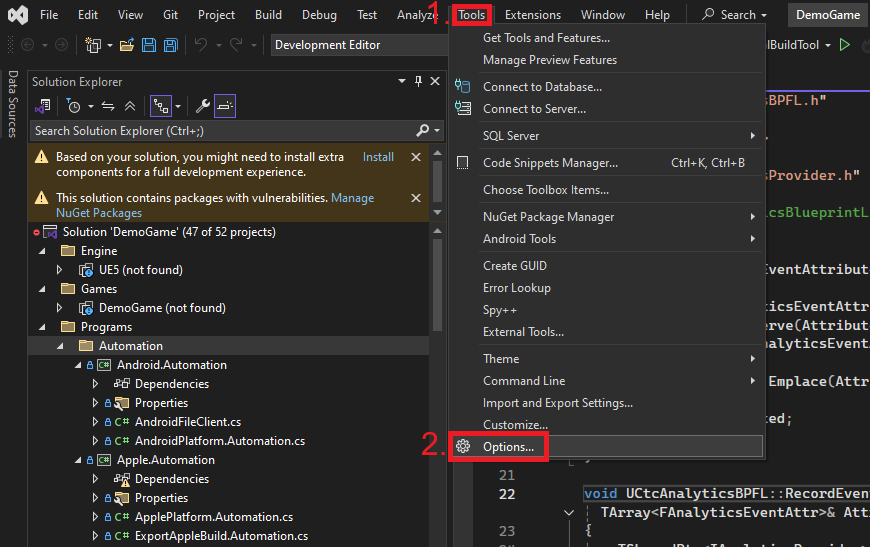
To activate it, navigate via the toolbar menu to Tools → Options
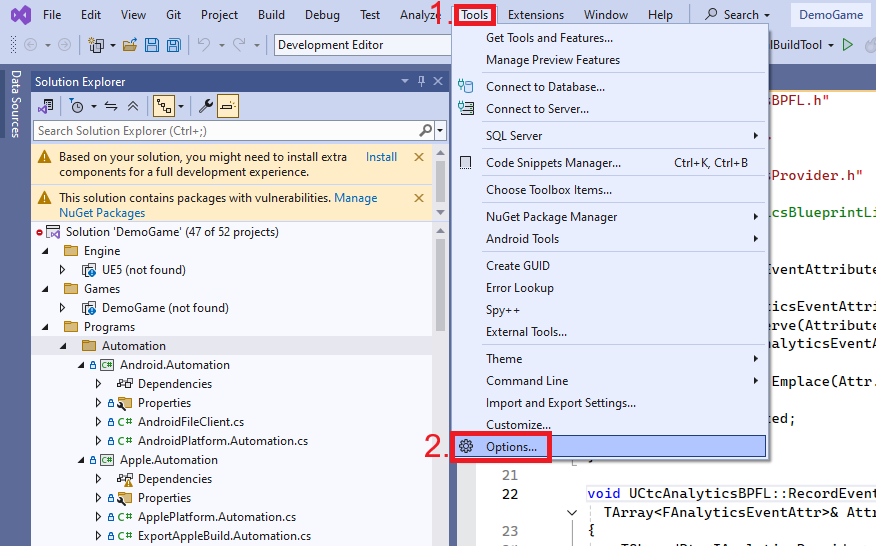
Then open the Debugging → Symbols section.
Add a new source location and paste this:
https://api.casttocloud.com/symbols/download/vs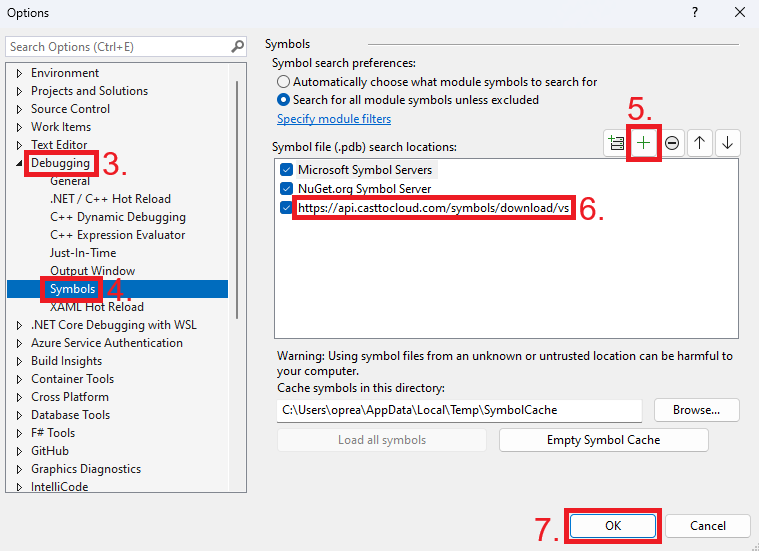
Authentificating
Next time you debug a minidump file or attach to a running process, you will get the following pop-up.
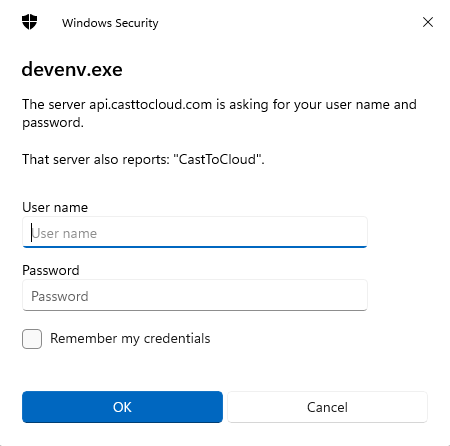
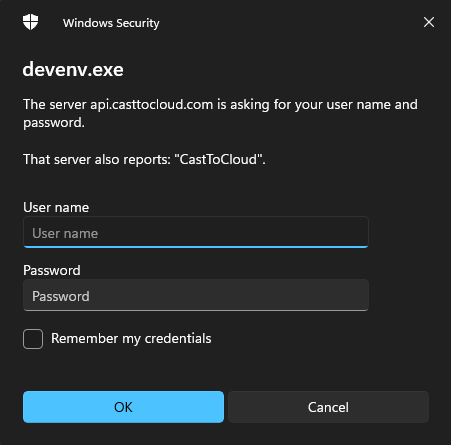
For the User name field use any of the following: the organization's name, organization's slug, any of the user's emails or any of the user's names.
For the Password field use an API Key with the symbols.download permission or generate one following the API Keys documentation.
Then hit Ok.
Confirming connection
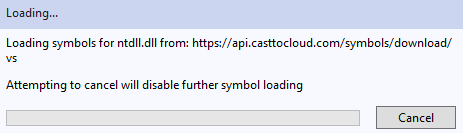
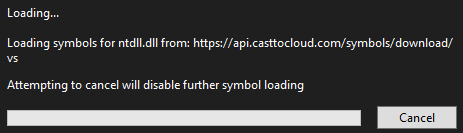
After successfully connecting you should see similar messages as symbols are downloaded: